By the end of the day the example project holds a new feature and a fixed bug, both with tests and reviewed into a commit, plus a CLAUDE.md recording what Claude Code should know about the project. Claude Code, the coding agent from Anthropic, writes that code directly in the project files and starts the tests itself. You write the instructions, check the plan and approve every change yourself. When the agent takes a wrong turn, you step in and return to an earlier state.
Attendance certificate4.8/5 on ProvenExpert
What this module delivers.
The tecnovy training Claude Code for Beginners fits if you already write code and want a coding agent under your control. You cut tasks into checkable pieces and approve every change. That keeps each change traceable for your team.
How the training runs
Method
Short demos, then hands-on in the example project or your code
You build software, or write scripts in DevOps, data engineering or QA, and want more than autocomplete.
You have tried Claude Code and still work without a fixed routine.
You lead a development team and want to judge from your own practice what a coding agent does day to day.
Prerequisites
No prerequisites
You can start right away. What you need: basic knowledge of one programming language, basic knowledge of Git and the command line, a laptop for the exercises.
Consider insteadVibe CodingWith no programming knowledge you describe what you need in everyday language and build small tools and prototypes with AI.
Curriculum
Claude Code Training for Beginners in Detail
Five parts take you from how the agent works, through setup, to a reviewed commit. More than half the time is your own hands-on work, on a prepared example project and on your own code if you wish. Subagents, hooks and CI are left to the follow-on course.
01How Claude Code works
This part shows why a coding agent behaves differently from a chatbot.
From autocomplete to agent: read, plan, edit, check
The surfaces at a glance: terminal, IDE, desktop app and browser
Limits: typical sources of error and the decisions that stay with you
02Setting up and starting safely
You set up Claude Code so that you always know what it may do.
Installation, login and a first session in the project
Permission modes from Manual to Auto: which actions run without asking
Project knowledge in a CLAUDE.md that Claude Code reads at the start of every session
The data protection settings of your account
03Getting work done with Claude Code
The practical core takes you from instruction to a working result.
Exploring an unfamiliar codebase and having it explained
Describing a feature, checking the plan, following the implementation
Analysing a bug from its error message and fixing it
Having tests written and run
04Writing good instructions
You practise getting better results from clear instructions.
Cutting tasks: small, checkable, with a success criterion
Plan mode: have it plan first, then implement
Redirecting with Esc, going back with /rewind, starting over with /clear
05Reviewing and accepting changes
This part protects the quality of what reaches your repository.
Reading diffs and approving them deliberately
Preparing commits and pull requests with Claude Code
Spotting typical faults in AI-generated code
Outcome
What you will be able to do afterwards
01
You explain how a coding agent reads, plans, edits and checks, and where the decision stays with you.
02
You set up Claude Code with a suitable permission mode and a CLAUDE.md for your project.
03
You find your way around an unfamiliar codebase by having Claude Code explain it.
04
You deliver a small feature and a bugfix together with Claude Code, tests included.
05
You write instructions with a success criterion that lead to results you can check.
06
You step in when Claude Code heads the wrong way and return to an earlier state.
07
You read diffs, spot typical faults in AI-generated code and approve only changes you have reviewed.
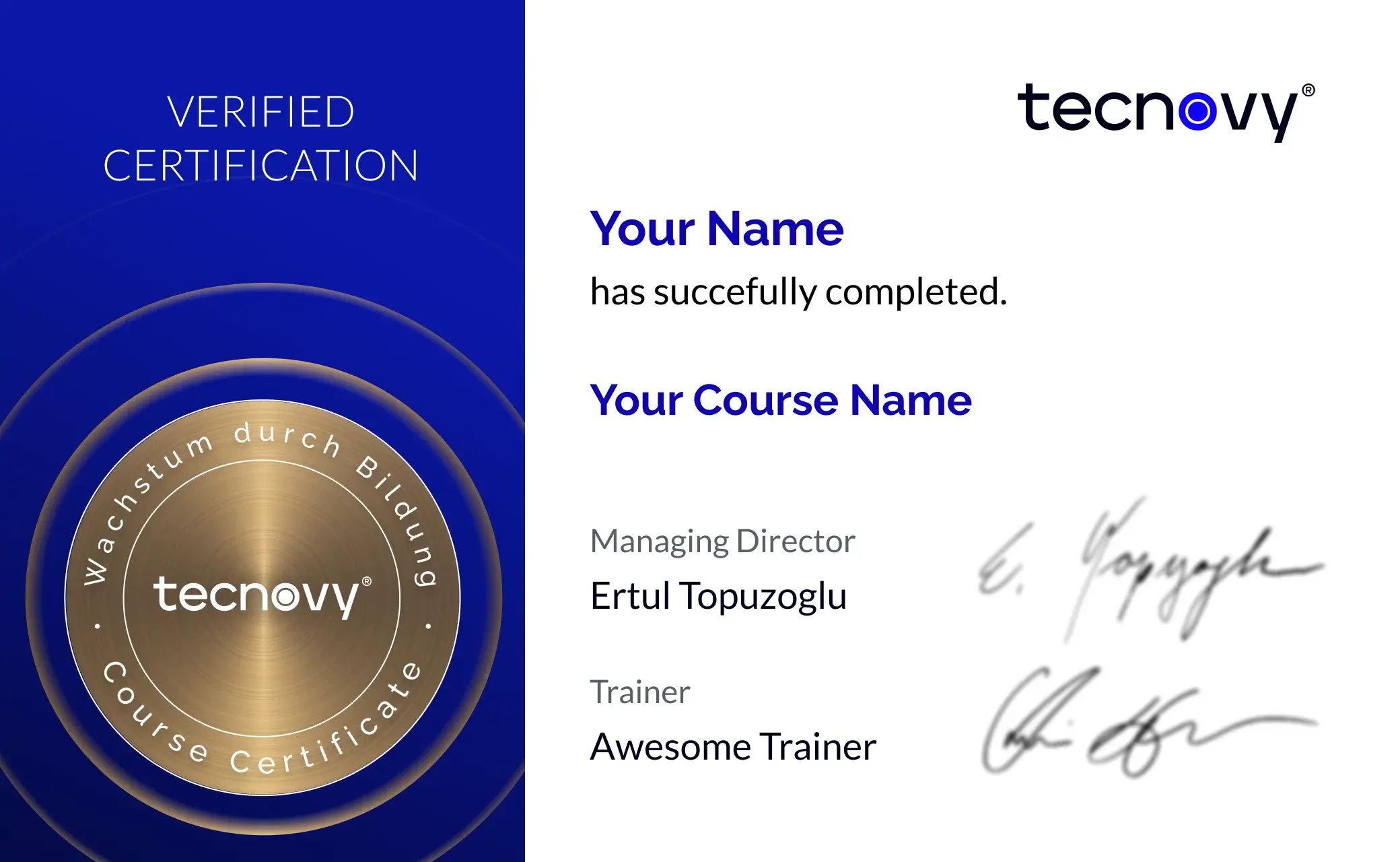
tecnovy Teilnahmezertifikat
Confirms your attendance and the curriculum covered in the training. Issued by tecnovy, shareable on LinkedIn.
Example project with exercisesThis prepared project is where you practise the feature, the bugfix, the tests and the commit.
Template for a CLAUDE.md fileIt gives you a structure for the project knowledge Claude Code reads at the start of every session.
Claude Code Starter
Why tecnovy
What you get on top with us
01
No Slideshow, Hands-On!
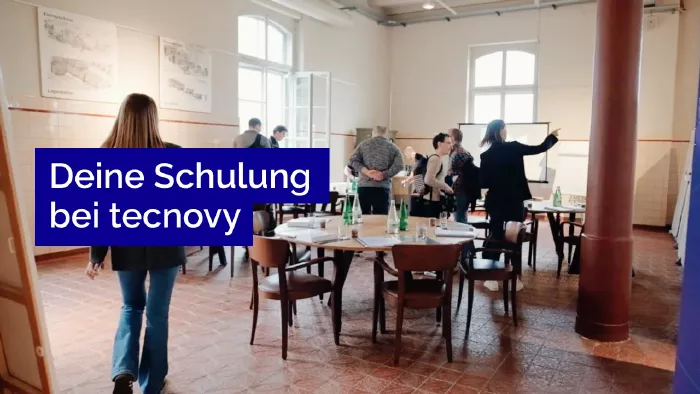
Promised: no PowerPoint marathon. We work in groups, tie theory to practice, and you get real project examples from our experienced trainers plus the exchange with like-minded people.
02
Certificate Showroom
Get your certificate of participation and, if you have one, add your exam certificate from E-Learning. Fully automated, beautifully designed. Just for you, only at tecnovy.
03
Flexible Date Change
If you are not able to attend the course, you can rebook your training free of charge up to one week before the start of the training.
04
Attend Twice, Pay Once
You are welcome to attend the training online again within a year as a refresher.
05
Learn from Experts
We always guarantee you the use of didactically and methodically first-class qualified trainers who draw their knowledge from training experience as well as professional practical and project experience.
FAQs
Frequently asked questions
01How does Claude Code differ from an AI chat?
An AI chat gives you code suggestions to copy, while Claude Code works inside your project: it reads files, edits them and runs commands such as tests. That is why the tecnovy Claude Code for Beginners training gives reviewing changes a part of its own.
02Is this the right course if I am new to programming?
Only with basic knowledge of a programming language and Git: "beginners" in this tecnovy training means new to Claude Code, not new to programming. If you do not write code at all, the tecnovy Vibe Coding Course for Non-Developers is the better fit.
03What access to Claude Code does the training need?
The exercises in the tecnovy training run in Claude Code, and the free Claude plan is not enough for that. It takes a Pro, Max, Ultra, Team or Enterprise subscription, a Claude Console account, or access through Amazon Bedrock, Google Cloud or Microsoft Foundry (as of October 2026).
04Do I need to be at home in the terminal?
No, basic command-line knowledge is enough for the tecnovy Claude Code for Beginners training. Besides the terminal, Claude Code also runs in VS Code, JetBrains IDEs, the desktop app and the browser.
05Which programming languages does Claude Code work with?
Claude Code is not tied to one programming language. The example project in the tecnovy training is readable without deep knowledge of its language, and you can optionally work on your own code.
06May we use Claude Code on company code?
That depends on your policies and your contract with Anthropic; the tecnovy training shows you which settings matter for data protection and permissions. Anthropic states that code and prompts sent under commercial terms (Team, Enterprise, API) are not used for model training unless the customer opts in. On Pro and Max an account setting decides (as of October 2026).
07Is there an examination at the end?
No. The tecnovy Claude Code for Beginners training ends without an examination and leads to no certification from Anthropic. With at least 80% attendance you receive the tecnovy certificate of participation.
08What comes after this training?
The next step at tecnovy is Claude Code Advanced, covering your own commands, subagents, hooks and skills, and running in CI pipelines. These topics are deliberately left out of the beginners day.
What does your training at tecnovy look like?
Claude Code StarterTraining for Beginners
No dates yet
We will let you know as soon as the next date is scheduled.