You do not write code, yet you need a tool of your own that fits your task exactly: a calculator for quotes, a form for requests, an overview of your figures. With vibe coding you describe in everyday language what the tool should do, and the AI writes the code. That shifts your part in the work: you specify, test and decide. It also means recognising when a prototype, a draft that already works, belongs with IT.
Attendance certificate4.8/5 on ProvenExpert
What this module delivers.
A prototype, not a wish list: in the tecnovy Vibe Coding Course for Non-Developers you build small tools with AI, write no code yourself and judge which tools belong with IT. Your team discusses ideas around a working example.
How the training runs
Method
Short demos, then your own mini projects from calculator to dashboard
Basis
tecnovy curriculum, tool overview as of November 2026
Outcome
tecnovy certificate of participation, no examination
Dates & booking
Choose a date that fits
No public dates are scheduled yet.
New dates are published regularly. Join the waitlist or plan an in-house course for your team.
Five parts, and most of the time you build things yourself. You start with the principle, build your first tool, bring data into it and settle the limits. Finally you build a tool from your own work and present it.
01What vibe coding is
This part shows how an everyday-language description becomes a working tool.
How the AI turns your description into code and runs it in a preview
What you can build this way: calculators, forms, dashboards, simple web pages, small automations
The tools at a glance: AI assistants with a preview, Claude Code, specialised app builders
02Your first application
You build your first tool and improve it round by round.
Turning an idea into clear requirements: what, for whom, with which inputs
Testing the result and improving it in dialogue with the AI
Adjusting look and handling
03Working with data
Your tool learns to handle tables.
Loading tables and CSV files, plain spreadsheet exports, into your own tool and analysing them
Building charts and simple dashboards, overview pages with your key figures
Saving entries and reusing them the next time the tool opens
04Limits and risks
This part settles what a home-built tool must not be relied on for.
Data protection: which data never belong in a prototype
Security: why a prototype is not a production system for day-to-day operation
Maintainability: when you hand over to IT or a development team
05From prototype to delivery
Finally, your prototype becomes the starting point for talks with IT and development.
Using prototypes to discuss ideas with IT and development
Documenting requirements so that a development team can work with them
Building a tool from your own work and presenting it
Outcome
What you will be able to do afterwards
01
You explain how everyday-language descriptions become working code and which tool suits which job.
02
You turn an idea into requirements from which the AI builds a usable first tool.
03
You test your tool in the preview and refine function, look and handling in dialogue with the AI.
04
You build a tool that reads table data, shows it as a chart and saves entries.
05
You decide before every entry which data belong in a prototype and which do not.
06
You argue from security, data protection and maintainability when a tool goes to IT or development.
07
You document requirements so that a development team can carry on from your prototype.
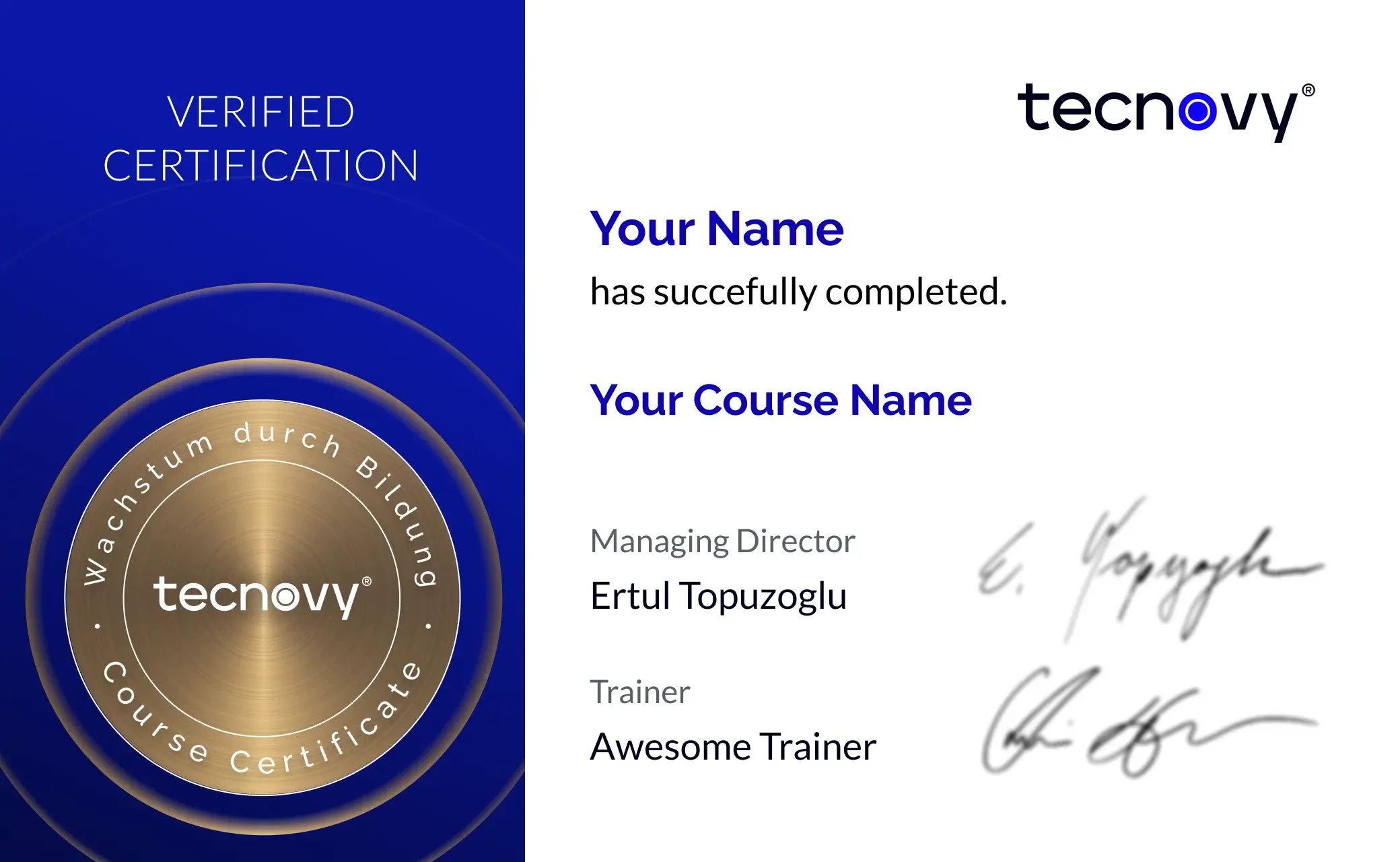
tecnovy Teilnahmezertifikat
Confirms your attendance and the curriculum covered in the training. Issued by tecnovy, shareable on LinkedIn.
Collection of example prompts and project ideasPrompts, the instructions you give the AI, and ideas for tools you can keep building after the course.
Checklist "From prototype to handover"It helps you decide when a tool goes to IT or development and what you record for the handover.
Vibe Coding
Why tecnovy
What you get on top with us
01
No Slideshow, Hands-On!
Promised: no PowerPoint marathon. We work in groups, tie theory to practice, and you get real project examples from our experienced trainers plus the exchange with like-minded people.
02
Certificate Showroom
Get your certificate of participation and, if you have one, add your exam certificate from E-Learning. Fully automated, beautifully designed. Just for you, only at tecnovy.
03
Flexible Date Change
If you are not able to attend the course, you can rebook your training free of charge up to one week before the start of the training.
04
Attend Twice, Pay Once
You are welcome to attend the training online again within a year as a refresher.
05
Learn from Experts
We always guarantee you the use of didactically and methodically first-class qualified trainers who draw their knowledge from training experience as well as professional practical and project experience.
FAQs
Frequently asked questions
01Do I really not need to know how to program?
No, the tecnovy Vibe Coding Course for Non-Developers assumes no programming knowledge. You describe what your tool should do, the AI writes the code, and you check the result in the preview, a window in which the tool runs straight away.
02Can I use the tools in my daily work afterwards?
As a personal aid without sensitive data and as a prototype, yes; as finished software, no. Once customer data, personal data or several users are involved, your IT should review the tool for security, data protection and future maintenance and take it over. The tecnovy Vibe Coding Course for Non-Developers trains you to recognise that point.
03Which tools does the course use?
The tecnovy Vibe Coding Course for Non-Developers works with AI assistants that show applications straight away in a preview, such as Claude; in-house courses use the tools your company has approved. In Claude these applications are called artifacts, and Anthropic states they are included in every plan, the free one too (as of November 2026).
04What data belong in a prototype?
Only data your company policies allow for the AI tool in use; customer data, personal data and confidential figures stay out otherwise. In the tecnovy Vibe Coding Course for Non-Developers you also work out who sees saved entries: if a Claude artifact uses shared storage, Anthropic states that everyone using it sees them (as of November 2026).
05How does a prototype get to IT?
Together with documented requirements: what the tool should do, for whom and with which data. In the tecnovy Vibe Coding Course for Non-Developers you practise this with the checklist "From prototype to handover", so that a development team can build on your prototype.
06How does the course differ from the Claude Cowork training?
In the tecnovy Vibe Coding Course for Non-Developers you build small applications of your own. In the tecnovy Claude Cowork training an AI agent, an AI that carries out work steps by itself, handles tasks with your existing files: analysing documents, writing reports, editing spreadsheets.
07What comes after the course?
If you later learn to program, tecnovy offers the Claude Code Training for Beginners: there a coding agent writes code directly in the project and you approve every change. It expects basic knowledge of a programming language and of Git, a tool for versioning code; the tecnovy Vibe Coding Course for Non-Developers teaches neither.
08Does the course end with an examination?
No, the tecnovy Vibe Coding Course for Non-Developers ends with you presenting your own tool rather than with an examination. With at least 80% attendance you receive the tecnovy certificate of participation; no certification comes with it.
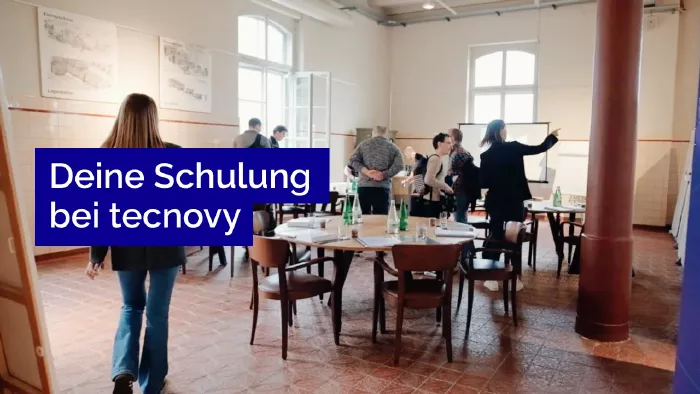
What does your training at tecnovy look like?
Vibe CodingVibe Coding Course for Non-Developers
No dates yet
We will let you know as soon as the next date is scheduled.