

1,527 $−152 $1,375 $
What this module delivers.
How the training runs
- Method
- About 60% hands-on work on your own tasks or sample data
- Basis
- tecnovy curriculum, tool-neutral, demonstrated with Claude, November 2026
- Outcome
- tecnovy certificate of participation, no examination
Dates & booking
Choose a date that fits
2 dates
Sessions with this symbol offer up to 25% group discount. Click “Details & Registration” to learn more.
1,527 $−152 $1,375 $
No dates match this selection.
Dates are still available. Reset the filters to see them.
Fit
Who this module is designed for
Typical roles
- You work in marketing, sales, product or project management, controlling, HR, assistance, leadership or consulting, mostly with documents, spreadsheets and research.
- You have work that runs the same way every week, such as status reports, offer comparisons or analyses.
- You want to connect the AI agent you use to your files, email and calendar instead of copying content back and forth.
Prerequisites
No prerequisites
You can start right away. What you need: your own laptop, confident use of office software. Helpful: first experience with ChatGPT or a similar AI tool.
Consider instead Vibe Coding If you want to build a tool or app of your own rather than set up an agent, that is the course.
Curriculum
AI Agents at Work in Detail
Nine parts across two days. On day one you learn the building blocks of an agent and set each one up for yourself straight away. On day two you apply that setup to research, documents and data, automate a routine and settle which data you entrust to it.
01From chatbot to agent
An agent uses the same language model as a chatbot but works in a loop with tools.
- What happens between the request and the result, and where agents make mistakes
- Chat assistants, agents in Microsoft 365 and Google Workspace, agents with file access, browser agents, automation platforms
- How they differ in data access, autonomy, customisability and cost
02Steering context
What the agent knows decides the result.
- The context window: what the agent sees and why long sessions get less reliable
- Requests with a goal, material, format and acceptance check, and questions back instead of guessing
- Standing instructions: role, templates, tone and rules for every task
- Exercise: describe a task of your own cleanly, then set your instructions
03Skills and subagents
A skill captures a workflow; a subagent takes on part of a job with fresh eyes.
- Skills the agent calls on by itself when a task fits
- Subagents that research or check a result independently
- When to use a skill and when a subagent; finding and adapting existing ones
- Exercise: a skill for a weekly task and a subagent as checker
04MCP servers and connectors
Only through connections does the agent reach your tools.
- MCP as the open standard through which agents access tools
- Connecting Google Drive or SharePoint, calendar, email and the browser
- Risks: permissions, untrusted content, accidental actions
- Exercise: set up a connector for your most important tool
05Research with sources
A search brief becomes a report whose statements you can verify.
- Market, competitor and subject research step by step
- Researching in parallel and having a subagent cross-check the sources
- Spotting invented statements; results as a report or comparison table
- Exercise: a competitor comparison for your organisation
06Documents
The agent reads, compares and drafts what would otherwise take you hours.
- Summarising and querying contracts, tenders and minutes
- Comparing several versions and offers
- Emails, reports and slide decks in your style and to your template
- Exercise: a decision paper from several documents, your template as a skill
07Data
Raw data becomes analysis you can recalculate yourself.
- Cleaning, merging and analysing Excel and CSV files
- Key figures, pivot analyses and charts
- Cross-checking figures: finding calculation errors and hidden assumptions
- Exercise: from a raw data table to a finished presentation
08Automating routines
Single requests become a workflow that runs on a schedule.
- Which routines are worth it and which you are better off doing yourself
- Combining instructions, skills and connectors into a scheduled task
- Exercise: hand over a weekly task completely, such as a status report from inbox, spreadsheet and calendar
- Checking results: what you always remain responsible for
09Data protection and responsibility
You decide what you entrust to an agent and what you do not.
- What happens to your data: plans, model training, storage locations
- Personal and confidential data: what is allowed and what is not
- Company policies and agreements with IT
- Your plan for the coming weeks
Outcome
What you will be able to do afterwards
- 01
You tell a chatbot from an agent and compare agent types by data access, autonomy, customisability and cost.
- 02
You describe tasks with a goal, material, format and acceptance check, and set standing instructions for role, templates, tone and rules.
- 03
You capture a workflow as a skill and use a subagent that checks a result independently.
- 04
You connect your agent to files, email or calendar through connectors or MCP servers and limit what it may do there.
- 05
You have research produced with checkable sources, and documents summarised, compared and rewritten to your template.
- 06
You analyse Excel or CSV data with the agent and check figures and charts for calculation errors and hidden assumptions.
- 07
You hand over a recurring workflow as a scheduled task and from then on only check the result.
- 08
You decide which data to entrust to an agent based on the plan, the type of data and company policy.
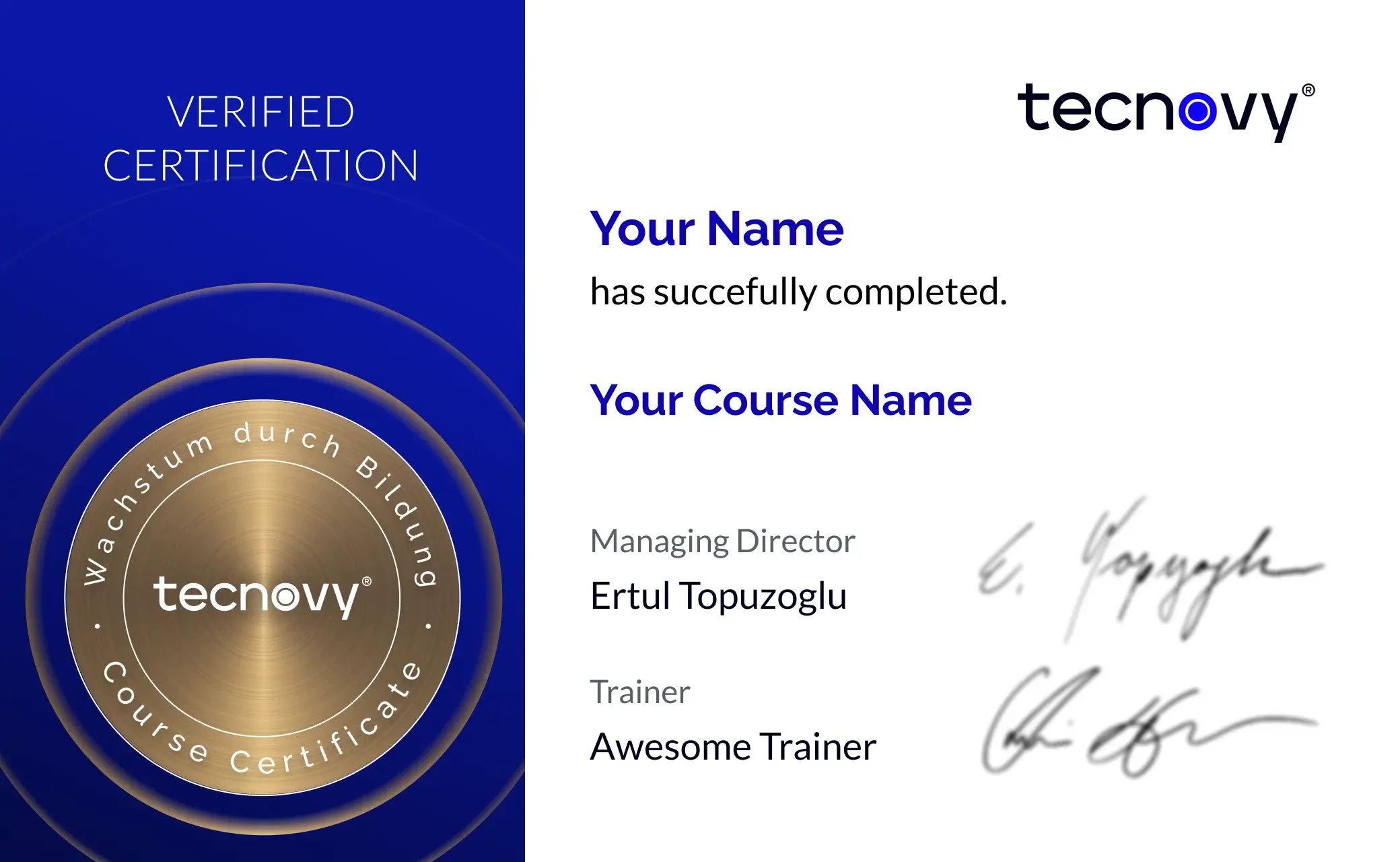
tecnovy Teilnahmezertifikat
Confirms your attendance and the curriculum covered in the training. Issued by tecnovy, shareable on LinkedIn.
Open the Certificate Showroom tecnovy →
Offer scope
What is included
Included
- Setup guide before the courseIt arrives before day one, so your agent is set up when the course starts.
- Sample data for every exerciseDocuments, spreadsheets and research briefs for anyone who brings no files of their own.
Why tecnovy
What you get on top with us
01
No Slideshow, Hands-On!
Promised: no PowerPoint marathon. We work in groups, tie theory to practice, and you get real project examples from our experienced trainers plus the exchange with like-minded people.
02
Certificate Showroom
Get your certificate of participation and, if you have one, add your exam certificate from E-Learning. Fully automated, beautifully designed. Just for you, only at tecnovy.
03
Flexible Date Change
If you are not able to attend the course, you can rebook your training free of charge up to one week before the start of the training.
04
Attend Twice, Pay Once
You are welcome to attend the training online again within a year as a refresher.
05
Learn from Experts
We always guarantee you the use of didactically and methodically first-class qualified trainers who draw their knowledge from training experience as well as professional practical and project experience.
FAQs
Frequently asked questions
01How does this course differ from the Claude Cowork Training and from AI Agents Foundations?
02Which AI agent do I work with in the course?
03Do ChatGPT and Microsoft Copilot offer the same building blocks?
04What is a skill, and do I need to code to write one?
05What are MCP servers and connectors?
06Does an automated routine still run when my computer is off?
07May I use real company files?
08What do I receive at the end?
What does your training at tecnovy look like?