IT training across Europe - tecnovy makes you future-ready.

tecnovy AI Suite

Claude Code Expert Training

A multi-agent setup is built piece by piece: one main session orchestrates and hands out the work, each specialised subagent gets only the tools and permissions its role needs, a reviewer agent checks the results, and a person approves before anything is merged. In this training you assemble those pieces, first in Claude Code, then as your own agent built with the Claude Agent SDK in TypeScript or Python.
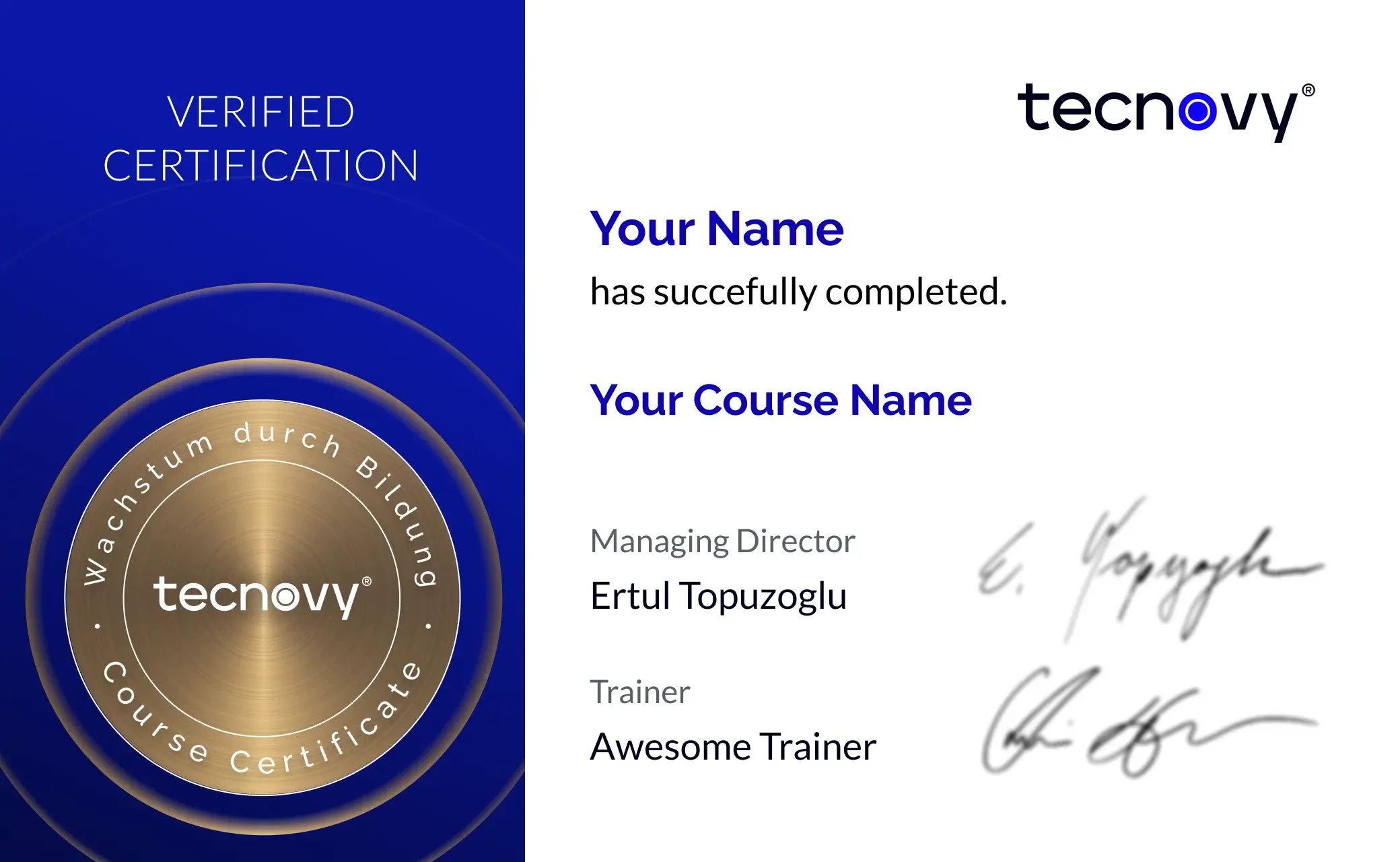
Attendance certificate4.8/5 on ProvenExpert

What this module delivers.

If you already use Claude Code with subagents and hooks day to day, tecnovy's Claude Code Expert training takes you further: design multi-agent workflows, build your own agents with the Agent SDK and prepare a company-wide rollout.

How the training runs

Method
Architecture sessions, pair programming and one project across all days
Basis
tecnovy curriculum, checked against Anthropic's Agent SDK documentation (November 2026)
Outcome
tecnovy certificate of participation, no examination

Dates & booking

Choose a date that fits

No public dates are scheduled yet.

New dates are published regularly. Join the waitlist or plan an in-house course for your team.

Request in-house training

Fit

Who this module is designed for

Typical roles

  • As a senior developer or architect, you design how several agents work together on a large codebase.
  • You want to build your own agents for development, operations or support, or set up an internal platform for them.
  • You are responsible for rolling Claude Code out across your company, with policies, permissions and cost control.

Prerequisites

No prerequisites

You can start right away. What you need: hands-on experience with subagents and hooks plus automation in Claude Code, programming skills in TypeScript or Python.

Consider instead Claude Code Advanced For people who use Claude Code but do not yet work with their own commands, skills, subagents and hooks: build a team setup and run Claude Code in CI pipelines.

Curriculum

Claude Code Expert Training in Detail

Six parts lead from designing a multi-agent workflow, through your own agent built with the Claude Agent SDK, to a company-wide rollout. One project connects them: you extend it across every training day, in architecture sessions and pair programming.

01Designing multi-agent workflows

You decide which agent orchestrates, which ones execute and which one reviews.

  • Patterns: planner and executors, parallel specialists, reviewer
  • Subagents with their own context, their own tools and their own permission mode
  • Cutting tasks so that agents can work independently
  • Merging results and resolving conflicts
02Your own agents with the Claude Agent SDK

You build your own agent on the same agent loop that powers Claude Code.

  • How the Agent SDK is structured in TypeScript and Python
  • Your own tools, permissions and context management
  • A specialised agent for a task from your own work
03Large codebases and migrations

You break down projects that are too large for a single session.

  • Working in monorepos and distributed repositories
  • Planning large refactorings and framework migrations in stages
  • Measuring progress and securing intermediate states
04Integrations through MCP

Through the Model Context Protocol (MCP), Claude Code gets access to your systems.

  • Connecting ticket systems, documentation and databases
  • Choosing external MCP servers and checking them before use
  • A first step into your own integrations, taken further in Developing Your Own MCP Server
05Company-wide rollout

You decide how Claude Code is run and governed across the company.

  • Operating models: directly through Anthropic or through Amazon Bedrock, Google Cloud or Microsoft Foundry
  • Centrally managed settings for policies and permissions
  • Controlling cost and usage
  • Data protection, security and traceability
06Measuring quality

You make visible what agentic coding changes in your team, and you hold the quality line.

  • How to tell whether agentic coding is working
  • Review rules for AI-generated code
  • Setting up evaluations for your own agents

Outcome

What you will be able to do afterwards

  1. 01

    You design multi-agent workflows and decide which agent orchestrates, which ones execute and which one reviews.

  2. 02

    You cut tasks so that agents can work independently, and resolve conflicts when their results are merged.

  3. 03

    You build your own agent with the Claude Agent SDK, with its own tools and permissions.

  4. 04

    You plan large refactorings and framework migrations with Claude Code in stages and secure each intermediate state.

  5. 05

    You connect ticket systems, documentation or databases through MCP and check a server's permissions and risks before you use it.

  6. 06

    You prepare a rollout with centrally managed settings, permission rules and cost control.

  7. 07

    You set review rules for AI-generated code and set up evaluations for your own agents.

Offer scope

What is included

Included

  • Project repository with a reference architecture for multi-agent workflowsThe course-long project builds on this repository, and you keep it as a template.
  • Checklist for a company-wide rolloutIt sums up operating model, central settings, cost control and data protection from the rollout part.

Why tecnovy

What you get on top with us

02

Certificate Showroom

Get your certificate of participation and, if you have one, add your exam certificate from E-Learning. Fully automated, beautifully designed. Just for you, only at tecnovy.

03

Flexible Date Change

If you are not able to attend the course, you can rebook your training free of charge up to one week before the start of the training.

04

Attend Twice, Pay Once

You are welcome to attend the training online again within a year as a refresher.

05

Learn from Experts

We always guarantee you the use of didactically and methodically first-class qualified trainers who draw their knowledge from training experience as well as professional practical and project experience.

FAQs

Frequently asked questions

01What is the Claude Agent SDK?
The Claude Agent SDK is Anthropic's library for Python and TypeScript that provides the same tools, agent loop and context management as Claude Code; it was formerly called the Claude Code SDK (as of November 2026). In the tecnovy Claude Code Expert training you use it to build your own agent for a task from your own work.
02What access do the exercises need?
The tecnovy Claude Code Expert training needs two kinds of access: Claude Code itself runs with a Pro, Max, Ultra, Team or Enterprise subscription, a Claude Console account, or through Amazon Bedrock, Google Cloud or Microsoft Foundry, but not on the free plan. The Agent SDK exercises need, according to Anthropic's quickstart, an API key from the Claude Console or access through one of those cloud providers (as of November 2026).
03Do I need to take Claude Code Advanced first?
No, comparable experience is enough: if you already use subagents and hooks in Claude Code day to day and program in TypeScript or Python, you can start straight in the tecnovy Claude Code Expert training. If you lack that practice, Claude Code Advanced is the right step before it.
04Does the training suit architects who do not code every day?
Partly: for the tecnovy Claude Code Expert training you should be able to read code and make small changes yourself, because you build an agent in TypeScript or Python. The parts on orchestration, migrations and rollout, on the other hand, are design work.
05Will our agent setup be secure after the training?
No training can promise that: in the tecnovy Claude Code Expert training you learn what you have to check and decide, such as which tools and permissions each agent gets, which settings apply centrally and which MCP servers you trust. Anthropic itself notes that MCP servers which fetch external content carry a risk of injected instructions (prompt injection) (as of November 2026).
06How does a company keep Claude Code costs under control?
It depends on the access route: on Team and Enterprise, admins set spend limits for usage beyond the seat allowance, the Claude Console sets spend limits per workspace, and on Amazon Bedrock, Google Cloud or Microsoft Foundry the cloud provider's budget controls apply (as of November 2026). Several agents raise consumption, because each subagent sends its own requests; the tecnovy Claude Code Expert training covers cost control in the rollout part.
07How does this training differ from the AI Agents Deep Dive?
The tecnovy Claude Code Expert training stays with software development: agents work on codebases and migrations, built with Claude Code and the Agent SDK. The tecnovy AI Agents Deep Dive develops a multi-agent system for a complex process, through to hardening, quality measurement and operation.
08Does the training end with an examination or a certification?
Neither: the tecnovy Claude Code Expert training ends without an examination, and Anthropic issues no certification for it. If you attend at least 80% of the training time, you receive the tecnovy certificate of participation.
09Which courses build on individual parts?
If you want to go deeper on reviews or integrations after the tecnovy Claude Code Expert training, there are two dedicated tecnovy workshops. In Code Review with AI, specialised agents check every pull request for security, tests and architecture while the decision stays with the team; in Developing Your Own MCP Server you build a server in Python or TypeScript that opens an internal system to AI agents.


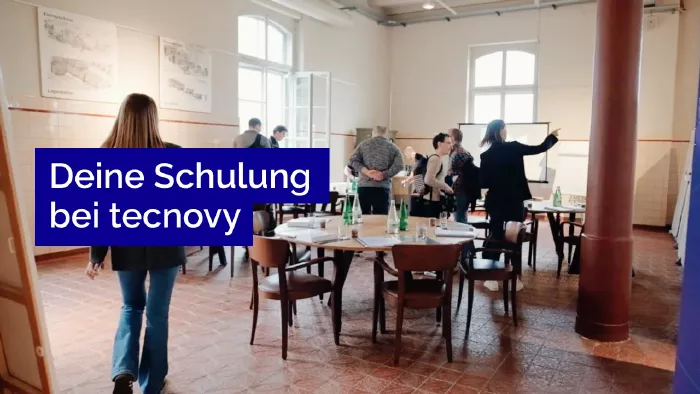
What does your training at tecnovy look like?

Claude Code ExpertExpert Training

No dates yet

We will let you know as soon as the next date is scheduled.

Feedback Form
What should we improve?

Tell us what we can do better next time.

Success
Error

© Copyright 2026, tecnovy GmbH, All Rights Reserved