The day starts with a messy raw export: duplicate rows, mixed date formats, figures spread across several files. It ends with a report of key figures and charts that you can run again next month on fresh data. The work in between is done by Claude Cowork, the AI agent built by Anthropic, inside the folders you connect. You describe the task, check formulas and spot samples, and sign off the finished result.
Attendance certificate4.8/5 on ProvenExpert
What this module delivers.
If you build the same spreadsheet report every month, the tecnovy training Excel with AI teaches you to hand it to Claude Cowork. Formulas and figures stay yours to check. The checked monthly template then reruns on new data.
How the training runs
Method
Exercises on sample datasets from sales, controlling and HR
Five parts follow the path of a monthly report: prepare, analyse, present, check, repeat. You work on sample datasets from sales, controlling and HR and finish by carrying out a data task from your own work.
01Preparing data
This part turns the raw export into a table you can calculate with.
Connecting folders and deciding where Cowork saves results
Having duplicates, inconsistent formats and missing values cleaned up
Merging several files into one table
02Analysing
You ask questions of the data and have the answers built as formulas.
Asking for key figures in everyday language
Having formulas such as VLOOKUP built and explained
Grouping and summarising data by month, region or cost centre
03Presenting
The figures become a report others can read without an explanation.
Generating charts from your data
A workbook with several tabs and conditional formatting
Presenting results as a short summary or a slide deck
04Checking results
Before a report goes out, you check that the figures are right.
Plausibility checks and spot samples against the raw data
Spotting typical calculation and interpretation errors
Assessing hidden instructions in third-party files as a risk
05Building routines
Finally, the analysis becomes a routine for next month.
Saving the monthly report as a repeatable task
Scheduled tasks in Cowork: setting the cadence, checking the result
Carrying out a data task from your own work
Outcome
What you will be able to do afterwards
01
You clean raw data with Cowork: duplicates, inconsistent formats and missing values.
02
You have several files merged into one table that is ready for analysis.
03
You have key figures and formulas built and explain what each formula calculates.
04
You turn your data into charts and a workbook with several tabs.
05
You check AI analyses with plausibility checks and spot samples against the raw data.
06
You spot typical calculation and interpretation errors before a report goes out.
07
You set up a monthly analysis as a repeatable task that runs again on new data.
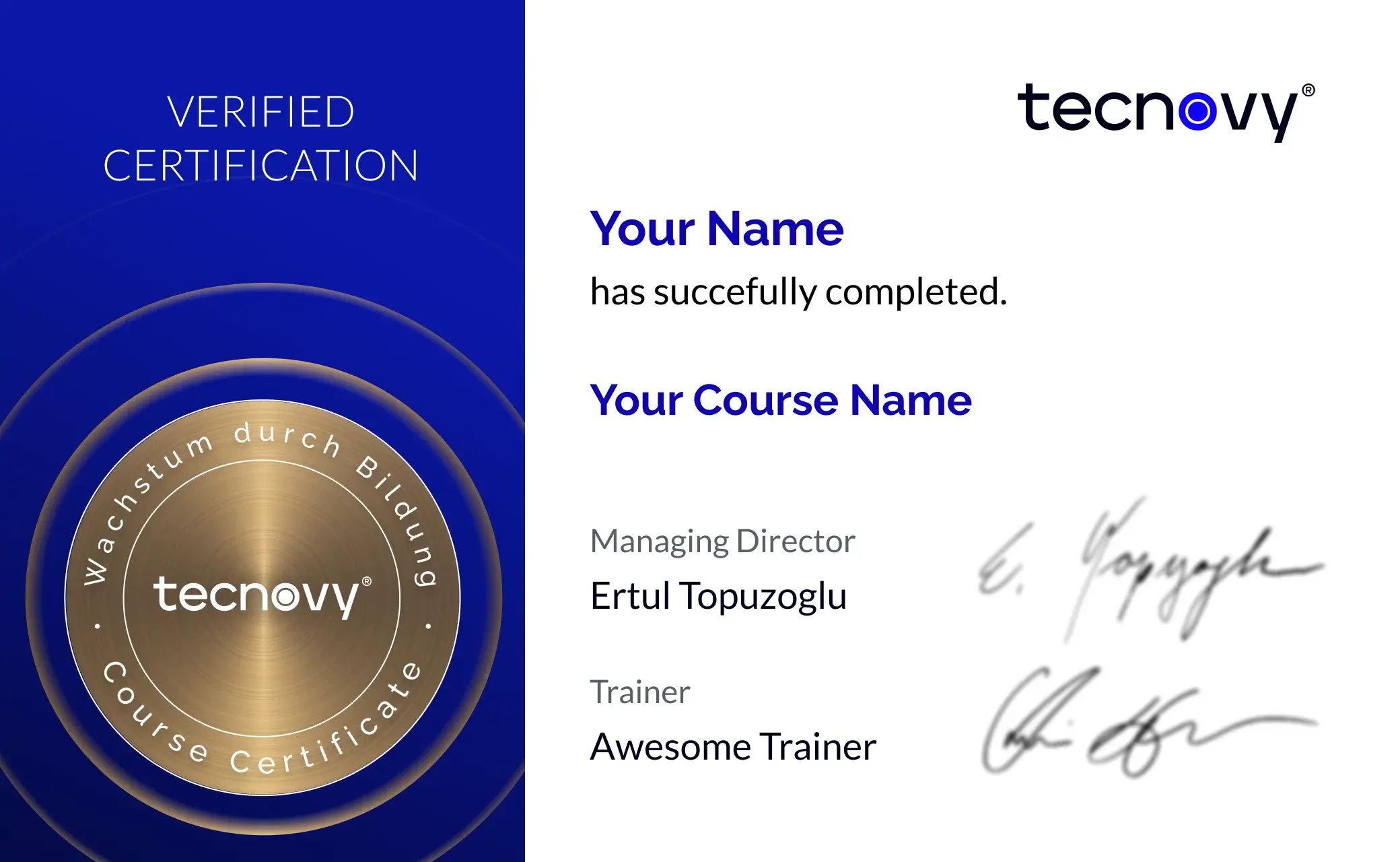
tecnovy Teilnahmezertifikat
Confirms your attendance and the curriculum covered in the training. Issued by tecnovy, shareable on LinkedIn.
Sample datasets and analysis templatesDatasets from sales, controlling and HR let you practise every step from raw export to report.
Cowork Excel
Why tecnovy
What you get on top with us
01
No Slideshow, Hands-On!
Promised: no PowerPoint marathon. We work in groups, tie theory to practice, and you get real project examples from our experienced trainers plus the exchange with like-minded people.
02
Certificate Showroom
Get your certificate of participation and, if you have one, add your exam certificate from E-Learning. Fully automated, beautifully designed. Just for you, only at tecnovy.
03
Flexible Date Change
If you are not able to attend the course, you can rebook your training free of charge up to one week before the start of the training.
04
Attend Twice, Pay Once
You are welcome to attend the training online again within a year as a refresher.
05
Learn from Experts
We always guarantee you the use of didactically and methodically first-class qualified trainers who draw their knowledge from training experience as well as professional practical and project experience.
FAQs
Frequently asked questions
01What setup does the training need?
The exercises in the tecnovy Excel with AI training need Microsoft Excel and Claude Cowork, which comes only with paid Claude plans (Pro, Max, Ultra, Team, Enterprise). Cowork reaches local files through the Claude desktop app (as of November 2026).
02Do I need to be an Excel expert?
No, basic Excel skills are enough for the tecnovy Excel with AI training. You have Cowork explain the formulas it builds and then check them yourself in the workbook.
03What files does Cowork work with?
Cowork reads and writes files in the folders you connect, CSV exports for example, and produces Excel workbooks with working formulas, several tabs and conditional formatting (as of November 2026). In the tecnovy Excel with AI training you work on sample datasets and finish with a task from your own work.
04Is Cowork the same as Claude in Excel?
No. Claude in Excel is an add-in for the workbook you have open, while Cowork carries out multi-step tasks across files and folders. Anthropic states that workbooks from Cowork can be refined further in Claude in Excel; the tecnovy Excel with AI training works with Cowork.
05May I work with company data?
Your company policies and your Claude plan decide that. Cowork accesses only the folders you connect and asks before permanently deleting files; in the tecnovy Excel with AI training you practise on sample datasets.
06Does the monthly report then run by itself?
It can: the template from the tecnovy Excel with AI training can run in Cowork as a scheduled task on a fixed cadence. If the source file is only on your computer, the desktop app must be open and connected for that (as of November 2026). You still check the result every time.
07Is there an examination?
No, the tecnovy Excel with AI training includes no examination, and Anthropic issues no certificate for it. With at least 80% attendance you receive the tecnovy certificate of participation.
08What comes after this training?
If you want to build your own small tools or dashboards rather than reports, tecnovy offers the Vibe Coding Course for Non-Developers. There you describe what you need in everyday language and the AI writes the code.
What does your training at tecnovy look like?
Cowork ExcelExcel with AI: Analysing Data
No dates yet
We will let you know as soon as the next date is scheduled.