IT training across Europe - tecnovy makes you future-ready.

tecnovy AI Suite

MCP Servers in the Coding Environment

The Model Context Protocol (MCP) is the open standard between your coding tool and your systems: Claude Code, GitHub Copilot and other clients use it to talk to servers for tickets, documentation or databases. The standard defines how they talk, not which server you trust. Here you connect existing servers, local and remote, check their source, permissions and data reach, and decide what applies across your team.
Attendance certificate4.8/5 on ProvenExpert

What this module delivers.

A team using MCP needs vetted servers, not one-off choices. In tecnovy's MCP Servers in the Coding Environment, you pick servers for tickets, docs and databases, check them and connect them to Claude Code and GitHub Copilot.

How the training runs

Method
Hands-on with local and remote servers in Claude Code and VS Code
Basis
tecnovy curriculum, checked against the MCP specification (November 2026)
Outcome
tecnovy certificate of participation, no examination

Dates & booking

Choose a date that fits

No public dates are scheduled yet.

New dates are published regularly. Join the waitlist or plan an in-house course for your team.

Request in-house training

Fit

Who this module is designed for

Typical roles

  • You use Claude Code or GitHub Copilot day to day and want to reach tickets, docs or databases from inside the tool.
  • As a tech lead, you decide which MCP servers your team uses and how they are configured.
  • You are responsible for platform, security or developer tooling and have to assess MCP servers before they are approved.

Prerequisites

No prerequisites

You can start right away. What you need: hands-on experience with Claude Code or GitHub Copilot, basic knowledge of APIs and JSON.

Consider instead MCP Development · Developing Your Own MCP Server For developers who want to build an MCP server for an internal system themselves: in Python or TypeScript with tools, resources and prompts, through to security, testing and operation.

Curriculum

MCP Servers in the Coding Environment in Detail

Five parts lead from how the protocol is built, through connecting servers to Claude Code and GitHub Copilot, to security and team workflows. All exercises use local and remote MCP servers, and you finish with a configuration your team can adopt.

01How MCP works

You map out the roles and building blocks of MCP.

  • Host, client and server: who talks to whom
  • The three building blocks of a server: tools, resources and prompts
  • Local servers over stdio, remote ones over Streamable HTTP
02Connecting MCP servers

You connect servers to both tools and decide whom they apply to.

  • Adding and managing MCP servers in Claude Code
  • Using MCP servers in GitHub Copilot agent mode
  • Configuration for you alone or for the whole project
03Typical integrations

You connect your coding tool to the systems that matter in day-to-day development.

  • Ticket system: reading issues and implementing tasks from tickets
  • Documentation and knowledge bases
  • Databases, browser automation and observability
04Security and governance

You check a server before it gets access to your systems.

  • Assessing MCP servers: source, permissions, maintenance
  • Minimizing access rights and managing credentials securely
  • Risks such as prompt injection through external content
  • An approval process for MCP servers in your organization
05Workflows with MCP

You put the connected systems to work in end-to-end workflows.

  • From ticket to pull request with connected systems
  • Combining MCP with subagents and custom commands in Claude Code
  • Creating your own team configuration

Outcome

What you will be able to do afterwards

  1. 01

    You explain how host, client and server interact in MCP and what tools, resources and prompts each provide.

  2. 02

    You connect local and remote MCP servers to Claude Code and to GitHub Copilot in agent mode.

  3. 03

    You choose suitable servers for a ticket system, documentation and a database and justify the choice.

  4. 04

    You check an MCP server before use for its source, maintenance, permissions and the data it can reach.

  5. 05

    You configure servers with minimal permissions and keep credentials out of the repository.

  6. 06

    You decide which servers apply to you alone and which to the whole project, and describe an approval path for new servers.

  7. 07

    You build a workflow that runs from the ticket through code and documentation to the pull request.

Offer scope

What is included

Included

  • Sample configurations for common MCP serversYou take them away as templates for your team's configuration.
  • Checklist for assessing the security of MCP serversIt sums up the checks from the security and governance part: source, maintenance, permissions and data reach.

Why tecnovy

What you get on top with us

02

Certificate Showroom

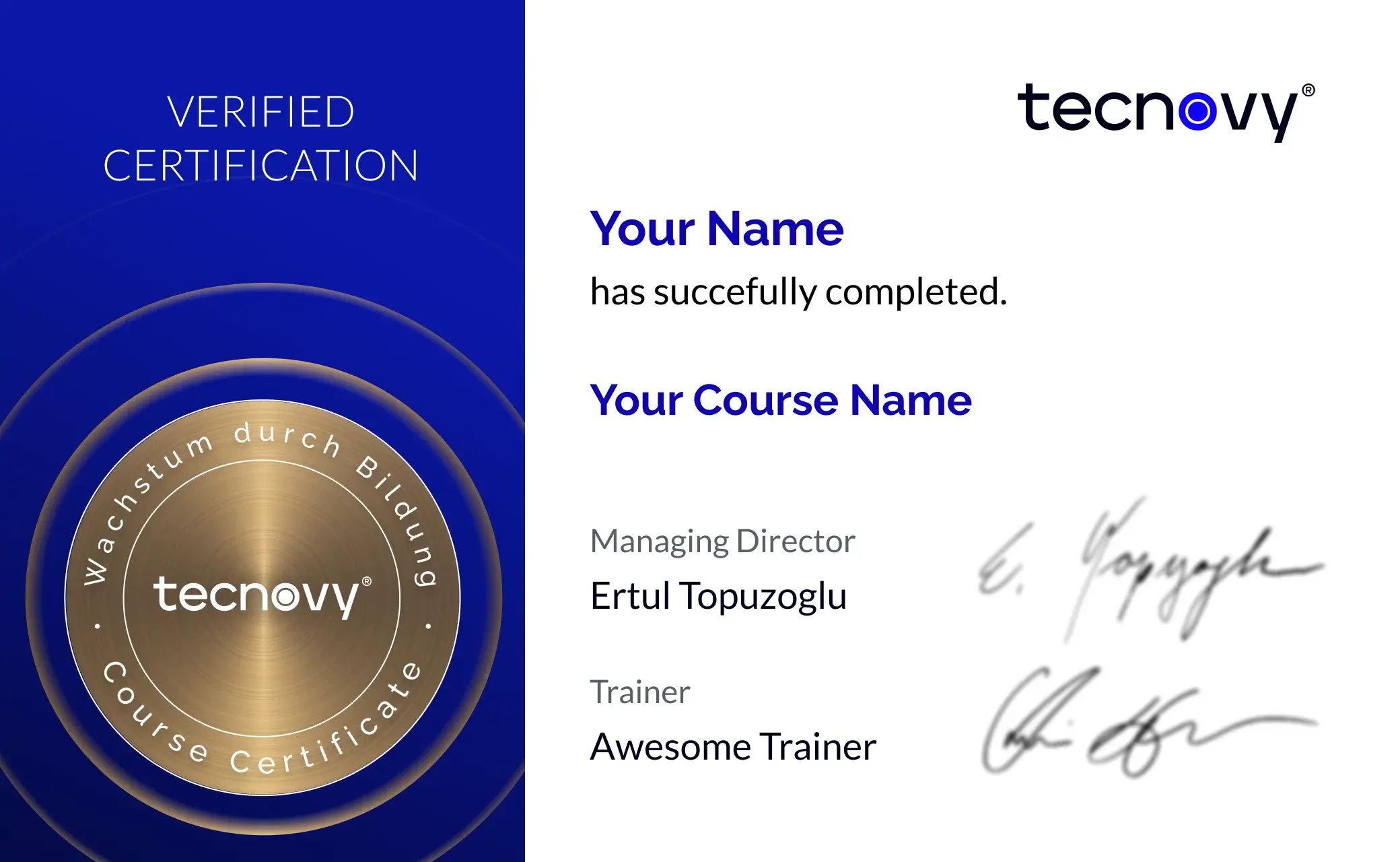
Get your certificate of participation and, if you have one, add your exam certificate from E-Learning. Fully automated, beautifully designed. Just for you, only at tecnovy.

03

Flexible Date Change

If you are not able to attend the course, you can rebook your training free of charge up to one week before the start of the training.

04

Attend Twice, Pay Once

You are welcome to attend the training online again within a year as a refresher.

05

Learn from Experts

We always guarantee you the use of didactically and methodically first-class qualified trainers who draw their knowledge from training experience as well as professional practical and project experience.

FAQs

Frequently asked questions

01What is an MCP server?
An MCP server is a program that gives an AI application tools, data (resources) or templates (prompts) through the Model Context Protocol, such as access to a ticket system. It runs locally on your machine or remotely at a provider, and in the tecnovy MCP Servers in the Coding Environment training you work with both kinds.
02Is MCP tied to one vendor?
No. MCP is an open protocol, its specification is published under the Apache License 2.0, and the project's governance rules tie membership of its technical leadership to individuals, not companies (as of November 2026). According to GitHub, Copilot supports MCP in VS Code, Visual Studio, JetBrains IDEs, Xcode, Eclipse and Copilot CLI; the tecnovy MCP Servers in the Coding Environment training practises in Claude Code and VS Code.
03How do local and remote MCP servers differ?
A local server runs as a process on your machine, talks to the client over stdio and acts with your permissions; a remote server runs at the provider and is reached over Streamable HTTP. MCP recommends OAuth for signing in to remote servers, and Claude Code handles that sign-in through its /mcp command (as of November 2026). In the tecnovy MCP Servers in the Coding Environment training you connect both kinds.
04Does an MCP server apply to me alone or to the whole team?
You decide that when you connect it: Claude Code distinguishes local (only you, in one project), project (everyone, through a file in the repository) and user (you, across all your projects) (as of November 2026). In an interactive session, Claude Code uses servers from the project file only after you approve them. In the tecnovy MCP Servers in the Coding Environment training you turn this into a team configuration.
05Is MCP secure?
MCP is a protocol, and its specification itself states that it cannot enforce security principles such as user consent at protocol level; it treats tools as arbitrary code execution. Anthropic says it does not security-audit MCP servers and warns that servers which fetch external content can expose you to prompt injection (as of November 2026). In the tecnovy MCP Servers in the Coding Environment training you learn to check a server's source, permissions and data reach before you connect it.
06How does a company control which MCP servers are allowed?
Through each tool's administration: for Claude Code, admins use managed configuration to fix a set of servers or to set allowlists and denylists, and on GitHub Copilot Business and Enterprise, enterprise and organization owners decide through a dedicated MCP servers policy (as of November 2026). The tecnovy MCP Servers in the Coding Environment training designs an approval process on top of this that settles who checks a server and who approves it.
07What access do the exercises need?
The tecnovy MCP Servers in the Coding Environment training needs Claude Code or GitHub Copilot with MCP servers allowed: Claude Code is not included in the free Claude plan, and on Copilot Business or Enterprise the MCP servers policy is off by default and has to be enabled in your organization (as of November 2026). You also need access to the systems the exercises connect.
08Do I need to be able to program?
No, basic knowledge of APIs and JSON is enough, because in the tecnovy MCP Servers in the Coding Environment training you connect and configure existing servers. You build a server of your own for an internal system in the tecnovy workshop Developing Your Own MCP Server, in Python or TypeScript.
09Does the training end with an examination or a certification?
Neither: the tecnovy MCP Servers in the Coding Environment training ends without an examination, and it prepares for no MCP certification. If you attend at least 80% of the training time, you receive the tecnovy certificate of participation.


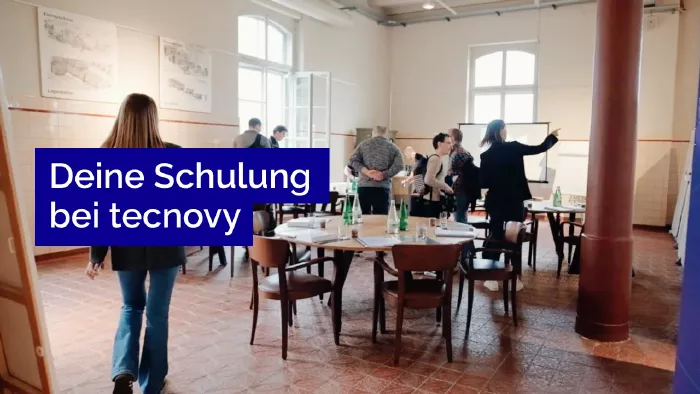
What does your training at tecnovy look like?

MCP IntegrationServers in the Coding Environment

No dates yet

We will let you know as soon as the next date is scheduled.

Feedback Form
What should we improve?

Tell us what we can do better next time.

Success
Error

© Copyright 2026, tecnovy GmbH, All Rights Reserved