990 €−99 €891 €
What this module delivers.
How the training runs
- Method
- About 60% hands-on labs, each ending in a fix review
- Basis
- tecnovy curriculum mapped to the OWASP GenAI Top 10 lists
- Outcome
- tecnovy certificate of participation at 80% attendance, no exam
Dates & booking
Choose a date that fits
4 dates
Sessions with this symbol offer up to 25% group discount. Click “Details & Registration” to learn more.
990 €−99 €891 €
990 €−99 €891 €
990 €−99 €891 €
No dates match this selection.
Dates are still available. Reset the filters to see them.
Fit
Who this module is designed for
Typical roles
- You build chatbots, RAG systems or copilots on top of an LLM, or integrate them into existing applications.
- You develop agents that call tools, and you decide what they are allowed to execute.
- You are expected to test LLM features against attacks before release and to automate that testing.
Prerequisites
No prerequisites
You can start right away. What you need: basic Python or JavaScript, working knowledge of HTTP/REST and browser DevTools, your own laptop with Docker and Burp Suite Community Edition.
Consider instead AI Security & LLM Security For those who want to test models, applications and agents more broadly and plan safeguards up to monitoring and incident response.
Curriculum
Offensive AI Security for Developers Course in Detail
Six modules and a closing round. Each module extends the target application and follows the same sequence: short input, live demo of the attack, lab, review of the countermeasure. You map every finding to a category of the current OWASP lists.
01Attack surface and threat modelling
You map where an LLM application accepts input an attacker can control.
- Trust boundaries: user input, system prompt, RAG context, tool calls, model output, agent memory
- STRIDE-style threat analysis on a sample architecture
- Retrieved documents and tool descriptions are potential attacker input too
- Why static code analysis (SAST) and dependency scanning (SCA) do not see prompts and context
02Prompt injection and hidden context exposure
Here you get a chatbot to ignore its rules and give away its system prompt.
- LLM01:2026 Prompt Injection: overriding roles, breaking delimiters, layering instructions
- LLM08:2026 Hidden Context Exposure: extracting the system prompt
- Why keyword filters fail: encoding, switching language, split payloads
- Fix review: no secrets in the system prompt
03Output handling and excessive agency
Once the application passes model output on unchecked, it opens classic web flaws.
- LLM10:2026 Improper Output Handling: XSS through responses rendered as HTML, SQL and command injection in the backend
- LLM03:2026 Excessive Agency: functions such as deleting or sending email that the model does not need
- Fix principles: treat output as data, context-aware encoding, tool allowlist, human approval for sensitive actions
04RAG, indirect injection and data exfiltration
Here you plant instructions in documents the application later loads as context.
- Indirect prompt injection through documents, emails or tickets, the route behind EchoLeak (CVE-2025-32711) in Microsoft 365 Copilot
- Data exfiltration through Markdown images and links that send data to an outside URL when rendered
- LLM02:2026 Sensitive Information Disclosure and LLM09:2026 Vector and Embedding Weaknesses
- Fix principles: separate retrieved content from instructions, restrict outbound links
05Agents and MCP
Once the model plans, remembers and calls tools through the Model Context Protocol (MCP), you attack its goals and permissions.
- ASI01 Agent Goal Hijack: redirecting the goal through content the agent reads
- ASI02 Tool Misuse and Exploitation and MCP03:2025 Tool Poisoning: hidden instructions in tool descriptions
- Pushing an agent into SQL injection through a tool with forged reasoning steps
- ASI03 Identity and Privilege Abuse: the damage spans all the agent's permissions
06Automated testing and CI integration
Manual tests do not scale, so you have attacks generated, scored and run as a gate in CI.
- promptfoo tests the application with its system prompt, RAG context and tools
- garak tests the model itself, here a local model served by Ollama
- Reading reports and mapping each finding to an OWASP category
- Results are statistical and do not replace manual red teaming
07Capture the flag and debrief
To close, you solve a capture-the-flag round in a team that brings the day's attack classes together.
- Flags: extract a system prompt, bypass a guardrail, exfiltrate data, push an agent into an unauthorised action
- Points for a clean chain of attack, cause and fix, not for speed
- Debrief: fix patterns for your own projects
Outcome
What you will be able to do afterwards
- 01
You map the trust boundaries of an LLM application, from user input and RAG context to tools and output.
- 02
You carry out direct and indirect prompt injection and show why keyword filters alone do not stop it.
- 03
You trigger cross-site scripting (XSS) through an LLM response and explain why model output must be treated as data.
- 04
You exploit overly broad tool permissions and narrow them to what a task actually needs.
- 05
You demonstrate data leakage through the system prompt, the RAG context and Markdown links.
- 06
You test agents and MCP tools for hijacked goals, tool misuse and poisoned tool descriptions.
- 07
You set up promptfoo and garak as automated attack tests and place a run as a gate in a CI pipeline.
- 08
You map every finding to an OWASP category and justify the matching countermeasure in code.
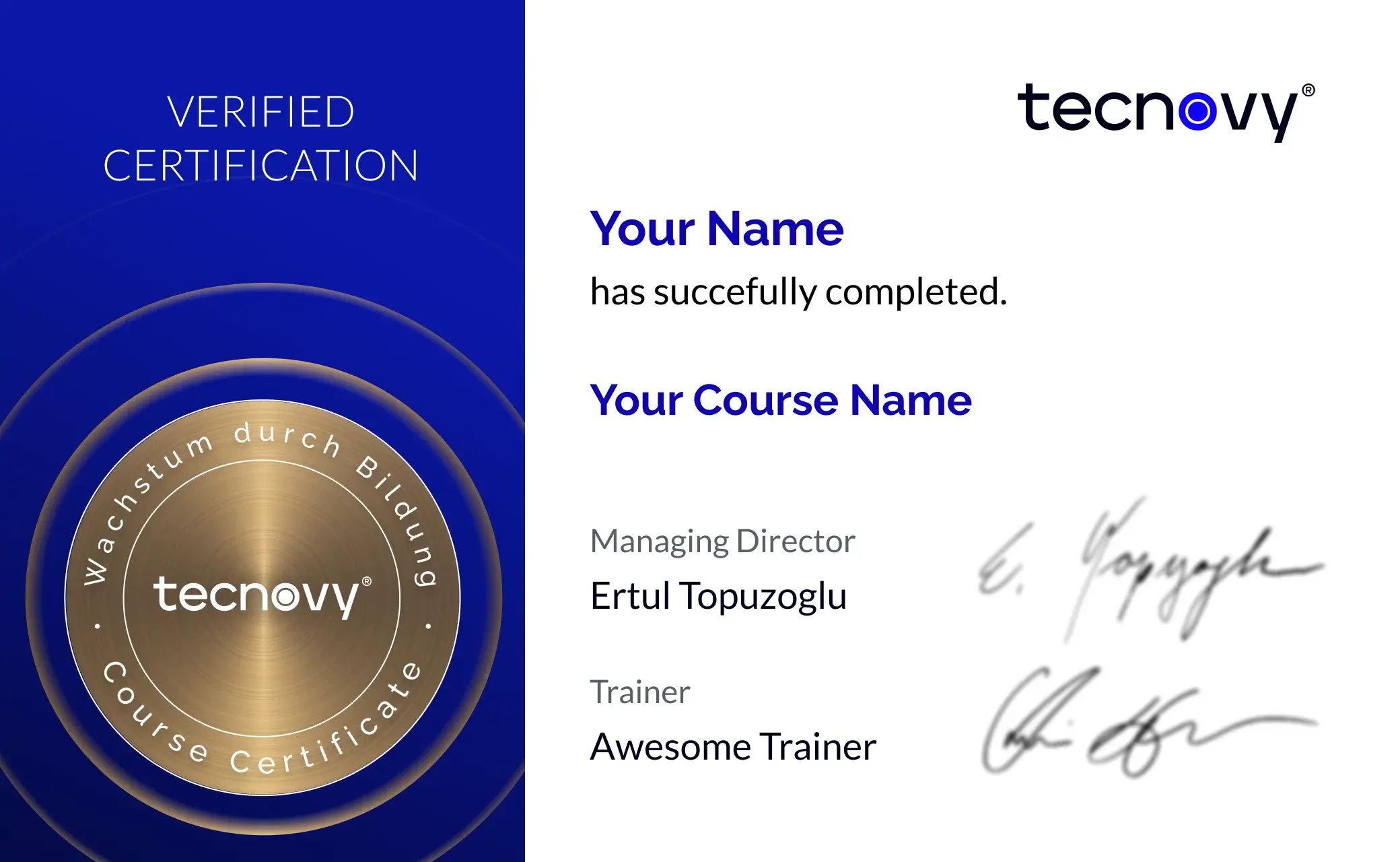
tecnovy Teilnahmezertifikat
Confirms your attendance and the curriculum covered in the training. Issued by tecnovy, shareable on LinkedIn.
Open the Certificate Showroom tecnovy →
Offer scope
What is included
Included
- Setup guide before the course dayIt walks you through installing Docker, Ollama with a small local model and the other tools in advance, so the labs run from the start.
- OWASP mapping cheat sheetIt maps the day's attacks to their OWASP categories, as a reference for findings in your own projects.
Why tecnovy
What you get on top with us
01
No Slideshow, Hands-On!
Promised: no PowerPoint marathon. We work in groups, tie theory to practice, and you get real project examples from our experienced trainers plus the exchange with like-minded people.
02
Certificate Showroom
Get your certificate of participation and, if you have one, add your exam certificate from E-Learning. Fully automated, beautifully designed. Just for you, only at tecnovy.
03
Flexible Date Change
If you are not able to attend the course, you can rebook your training free of charge up to one week before the start of the training.
04
Attend Twice, Pay Once
You are welcome to attend the training online again within a year as a refresher.
05
Learn from Experts
We always guarantee you the use of didactically and methodically first-class qualified trainers who draw their knowledge from training experience as well as professional practical and project experience.
FAQs
Frequently asked questions
01Which systems do the attacks in the course target?
02Do I need machine learning knowledge?
03What do I need to set up on my laptop before the course day?
04Which platforms do the labs run on?
05What does the course use promptfoo and garak for?
06Which OWASP lists does the course refer to?
07How does the course differ from AI Security & LLM Security?
08Do I need the OWASP Top 10 for LLM and GenAI Applications training first?
09Does the course end with an exam?
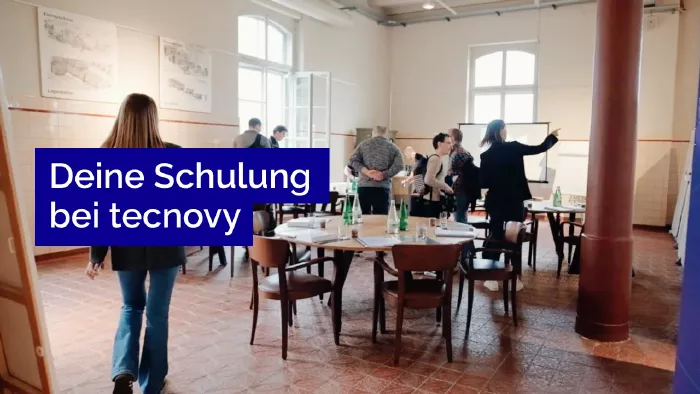
What does your training at tecnovy look like?