You can read one contract yourself. A folder holding dozens of offers, hundreds of invoices or several versions of the same contract is a different job. Here you work through such batches with Claude Cowork: Claude reads the files in a folder you connect, summarises them, compares them and moves the figures into an Excel spreadsheet. You decide what gets captured and check samples against the originals.
Attendance certificate4.8/5 on ProvenExpert
What this module delivers.
For purchasing, accounting, legal and HR: in the tecnovy training PDFs and Documents with Claude Cowork you work through whole folders of documents, and every value keeps its file and page. Any figure then traces back to its original.
How the training runs
Method
Exercises on sample contracts, offers, invoices and reports
Five parts take you from a single document to a whole folder: summarising, comparing, extracting data, organising. You practise on prepared sample documents and check the results against the originals. The last part settles which documents Claude may see and when specialists take over.
01Summarising and questioning documents
You have long documents prepared so that every reader finds what matters.
Summaries for management, the specialist team and the archive
Asking long documents targeted questions
Having answers backed by file and page
02Comparing and flagging
You set offers and contract versions side by side and see where they differ.
Offers and contract versions in one comparison table
Having deviations, deadlines and unusual clauses flagged
Flags as a pointer for specialist review, not a verdict
03Extracting data
You pull details from many documents into a spreadsheet you can back up.
Fixing columns and formats before you start
Moving details from invoices, forms and reports into Excel
Samples and plausibility checks
Checking values from scans against the original
04Organising documents
You turn an overgrown folder into an order others can find their way around.
Renaming and sorting many files to a scheme
Creating overviews and indexes
Permanent deletion: Claude asks first, in every mode
05Working safely
You decide what Claude may see and do before confidential documents come into play.
A dedicated working folder instead of broad access
Permission modes from Manual to Auto
Spotting hidden instructions in documents (prompt injection)
Limits: when specialists check, for example on legal questions
Outcome
What you will be able to do afterwards
01
You have long documents summarised for different readers and question them directly, with the source location given.
02
You set offers or contract versions side by side in a comparison table and have deviations and deadlines flagged.
03
You move details from many invoices, forms or reports into an Excel spreadsheet.
04
You check extracted values against the originals with samples and plausibility rules.
05
You have files renamed to a fixed scheme, sorted into folders and listed in an index.
06
You set up a dedicated working folder and choose the permission mode to match how confidential the documents are.
07
You decide which results go to specialists before they are passed on, for example on legal questions.
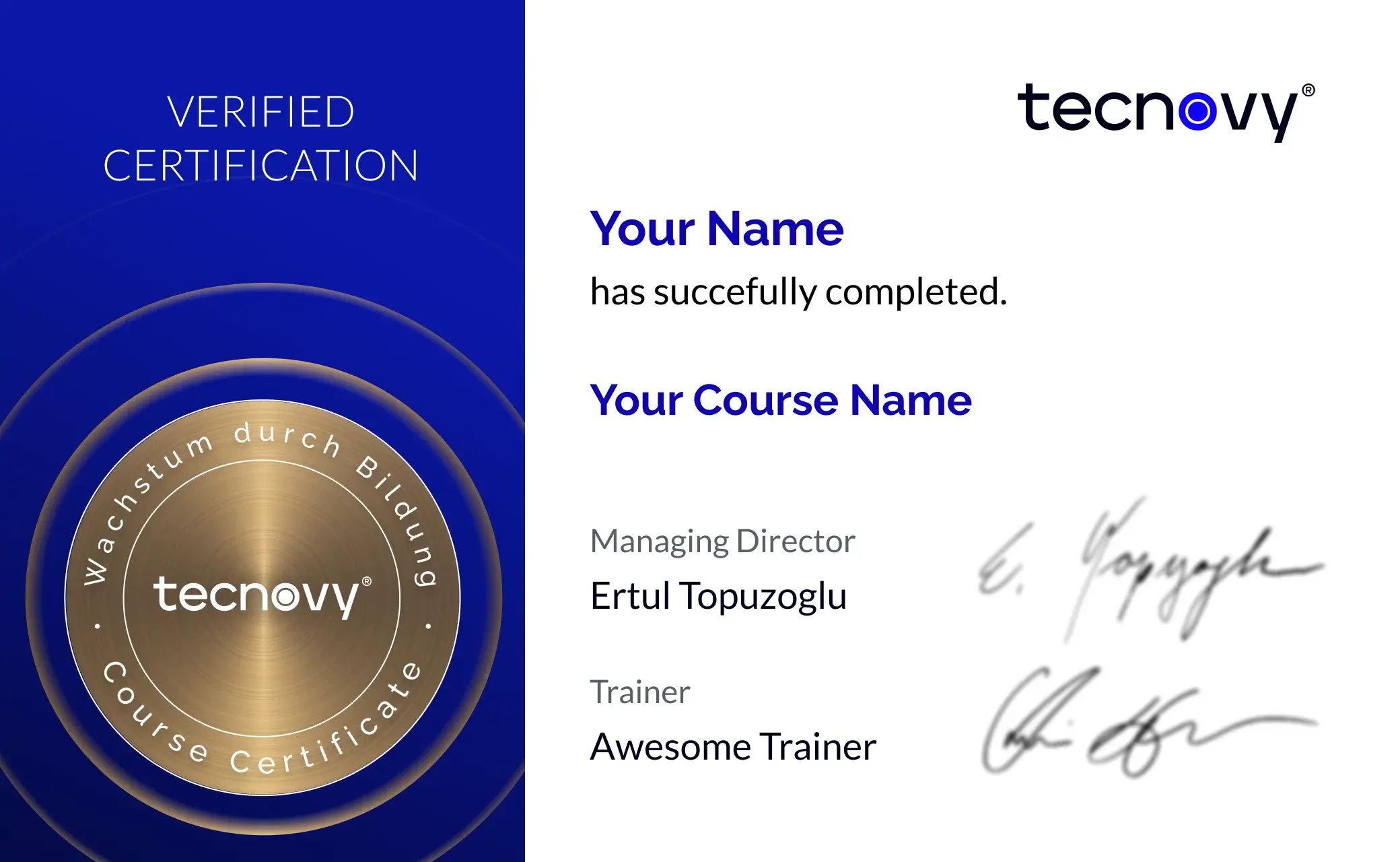
tecnovy Teilnahmezertifikat
Confirms your attendance and the curriculum covered in the training. Issued by tecnovy, shareable on LinkedIn.
Sample documents and task templatesPrepared contracts, offers, invoices and reports for every exercise, plus templates for summarising, comparing and extracting.
Cowork PDF
Why tecnovy
What you get on top with us
01
No Slideshow, Hands-On!
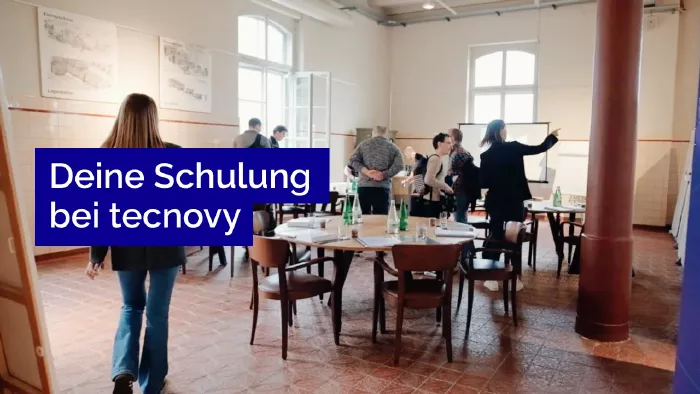
Promised: no PowerPoint marathon. We work in groups, tie theory to practice, and you get real project examples from our experienced trainers plus the exchange with like-minded people.
02
Certificate Showroom
Get your certificate of participation and, if you have one, add your exam certificate from E-Learning. Fully automated, beautifully designed. Just for you, only at tecnovy.
03
Flexible Date Change
If you are not able to attend the course, you can rebook your training free of charge up to one week before the start of the training.
04
Attend Twice, Pay Once
You are welcome to attend the training online again within a year as a refresher.
05
Learn from Experts
We always guarantee you the use of didactically and methodically first-class qualified trainers who draw their knowledge from training experience as well as professional practical and project experience.
FAQs
Frequently asked questions
01What Claude access does the training need?
The exercises in the tecnovy training PDFs and Documents with Claude Cowork need a paid Claude plan: Pro, Max, Ultra, Team or Enterprise. Working with folders on your computer also needs Claude Desktop for macOS, Windows or Linux (beta) to be open (as of November 2026).
02Does Claude Cowork still exist as a separate mode?
Not everywhere: since 16 September 2026 Anthropic has been merging chat and Cowork into one Claude in stages, starting with Pro, Max and Ultra. The capabilities the tecnovy training works with remain, including connected folders and creating files.
03Can Claude Cowork review contracts legally?
No. In the tecnovy training you have contracts summarised, versions compared and deviations and deadlines flagged, while the legal assessment stays with your legal department or law firm. You practise deciding which results go to them.
04What happens to the documents Claude reads?
Claude reads only files in folders you connect, and processes them in a session on Anthropic's servers. On Team and Enterprise, Anthropic does not use inputs or outputs for model training by default. On Pro, Max and Ultra a privacy setting in the account controls routine use for training; safety reviews and voluntary feedback are exceptions (as of November 2026). Which documents you may connect is set by your company's policies.
05Can Claude read scanned PDFs?
Yes, Claude can read scanned pages, but it makes mistakes doing so. That is why the tecnovy training has you check values from scans closely against the original, above all amounts, dates and names.
06How many documents can Claude Cowork handle at once?
That depends on your Claude plan's usage limits: Anthropic states that multi-step tasks use more of it than simple questions (as of November 2026). So in the tecnovy training you split large folders into stages and check each interim result before Claude carries on.
07Do I need the Cowork starter course first?
Not necessarily: first hands-on experience with Cowork is enough for the tecnovy training PDFs and Documents with Claude Cowork. If you have never used it, start with the tecnovy Claude Cowork Training; neither course needs programming knowledge.
08Does the training end with an examination?
No. The tecnovy training PDFs and Documents with Claude Cowork ends without an examination and leads to no certification from Anthropic. With at least 80% attendance you receive the tecnovy certificate of participation.
09What comes after this training?
The next step at tecnovy is Excel with AI: Analysing Data with Claude Cowork. There you clean up spreadsheets like the ones you extract from documents here, analyse them with formulas and build reports with charts.
What does your training at tecnovy look like?
Cowork PDFPDFs and Documents with AI
No dates yet
We will let you know as soon as the next date is scheduled.