
4,526 $−452 $4,074 $
What this module delivers.
How the training runs
- Method
- Nine exam domains across two examinations
- Basis
- Official CompTIA exam objectives
- Outcome
- Two examinations at Pearson VUE, fee not included
Dates & booking
Choose a date that fits
1 dates
Sessions with this symbol offer up to 25% group discount. Click “Details & Registration” to learn more.
No dates match this selection.
Dates are still available. Reset the filters to see them.
Fit
Who this module is designed for
Typical roles
- You take incident reports and decide what you fix yourself and what moves on.
- You set up workstations, mobile devices and peripherals and keep them running.
- You come from another field and want a solid start in IT support.
Prerequisites
No prerequisites
You can start right away. Helpful: twelve months of practice in IT support, in whatever form.
Consider instead CompTIA Network+ · CompTIA - Network+ (Plus) Certification Fits better if you already support devices confidently and want to go deeper into the network.
Curriculum
CompTIA A+ Curriculum in Detail
The course follows the nine exam domains of the two A+ examinations. The first five parts belong to Core 1 and cover the device and network side, the last four to Core 2 with operating systems, security and procedures.
01Core 1: Mobile devices
The opening starts with the devices that report problems most often.
- How laptops and tablets are built, their components and how they are replaced
- Assessing displays, batteries and accessories when something fails
- Integrating mobile devices securely into company networks and mail systems
02Core 1: Networking
As much networking as support needs in order to isolate causes.
- Protocols, ports and services that actually turn up day to day
- Cabling, wireless standards and network components
- Addressing, and the question of why a device cannot reach the network
- Network setup at workstations and in small offices
03Core 1: Hardware
The largest Core 1 domain, and the most hands-on of them.
- Selecting and replacing mainboards, processors, memory and power supplies
- Storage media and their fitness for different requirements
- Setting up printers and peripherals and keeping them running
- Matching cables, connectors and adapters correctly
04Core 1: Virtualisation and cloud
The smallest exam domain, but the fastest growing in daily work.
- Setting up virtual machines and allocating their resources
- Cloud models and what they mean for support
- Typical requirements for workstations that access cloud services
05Core 1: Hardware and network troubleshooting
The largest part of Core 1, where everything before it comes together.
- A fixed procedure: record the symptom, form a hypothesis, test it, document it
- Recognising fault patterns in mainboard, memory and power supply
- Isolating display, printing and network problems systematically
- When a replacement costs less than continued diagnosis
06Core 2: Operating systems
The second examination starts here, and at 28 percent this is one of its two largest domains.
- Installing and configuring common desktop operating systems
- System tools, the command line and administration interfaces
- Setting up user accounts, permissions and network shares
- Fixing boot problems and damaged system files
07Core 2: Security
Equal in size to operating systems, and the part with the costliest mistakes.
- Detecting and removing malware, and securing the workstation afterwards
- Access rights, authentication and secure password practice
- Social engineering and the attacks that target people
- Decommissioning devices and storage media securely
08Core 2: Software troubleshooting
The same procedure as in Core 1, applied to systems instead of devices.
- Isolating application and system errors traceably
- Problems on mobile devices and in their security settings
- Reading log files and system messages, and interpreting them correctly
- Restoring applications and data after failed updates
09Core 2: Operational procedures
The close covers what separates support from tinkering.
- Documentation, ticketing and traceable change processes
- Backup and restore when it actually matters
- Workplace safety, hazardous materials and end-of-life equipment
- Communicating with users, including while something is on fire
Outcome
What you will be able to do afterwards
- 01
You replace and configure components and justify the choice against the requirement.
- 02
You set up mobile devices and integrate them securely into the company environment.
- 03
You test network access and isolate whether a fault sits in the device or the network.
- 04
You explain virtualisation and cloud services using the cases that surface in support.
- 05
You install and configure common operating systems and fix boot problems.
- 06
You implement workstation protection, from access rights through to malware.
- 07
You document procedures and follow safety and handling regulations.
CompTIA A+
CompTIA awards the certification once both examinations are passed. It evidences that you support devices, operating systems and access independently. Unlike the certificates of many other schemes this certification expires three years after you pass; you keep it valid with 20 continuing education units, or renew it by earning a higher CompTIA certification.
Certification terms comptia.org ↗Examination
CompTIA A+ examinations
2Examinations
- Pass mark Core 1 / Core 2, scale to 900
- 675 / 700
- Questions
- max. 90
- Working time
- 90 min
- Format
- Multiple Choice + PBQ
- Exam language
- EN, DE
The certification requires both examinations, Core 1 and Core 2. Pearson VUE administers them, not tecnovy, each 90 minutes with a maximum of 90 questions. Both must come from the same exam generation. Exam version as of August 2026: V15 with 220-1201 and 220-1202.
Official examination rules comptia.org ↗Proof of attendance
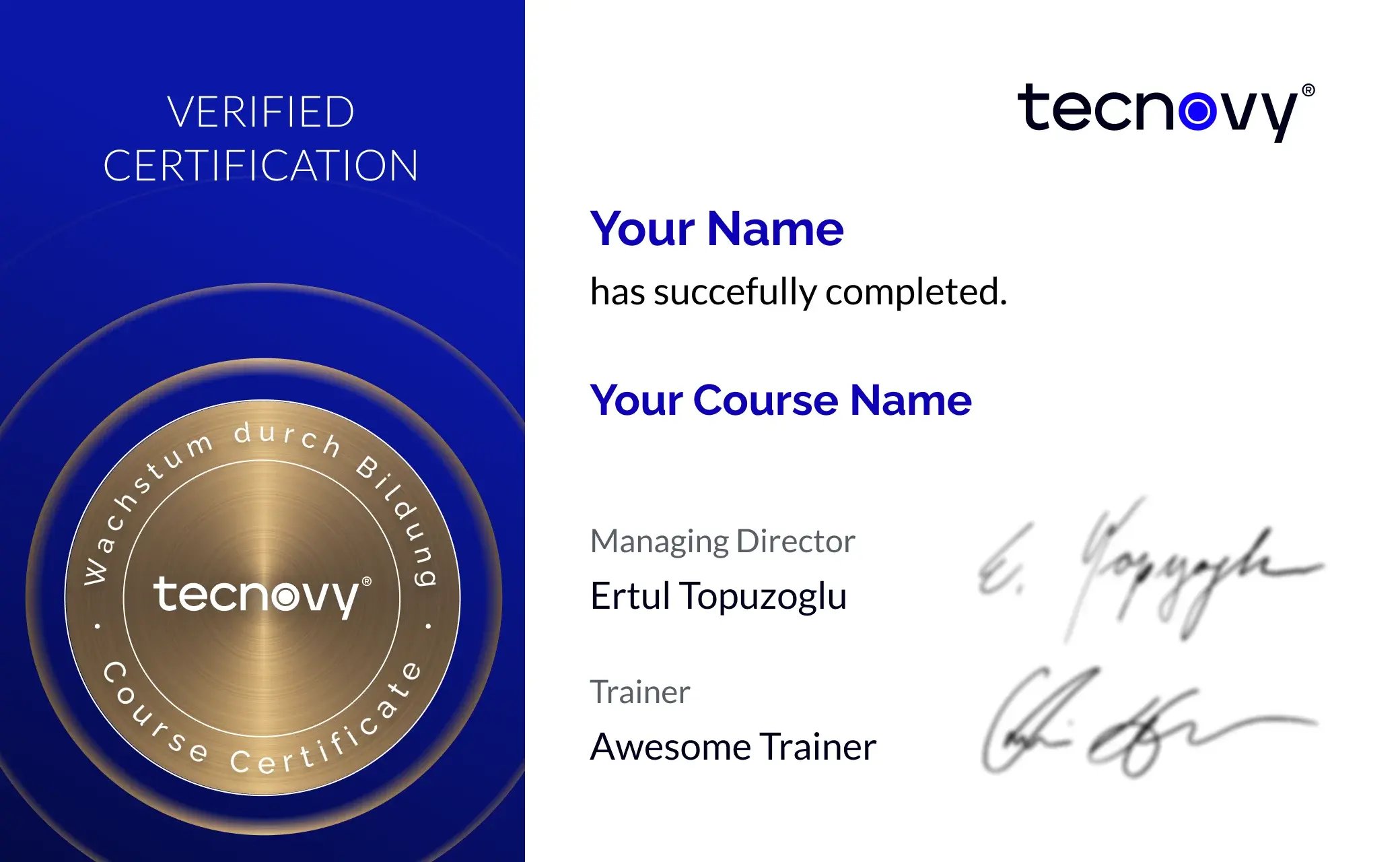
Certificate of participation
≥80%attendance
The tecnovy certificate of participation records your attendance of the CompTIA A+ training, not a passed CompTIA examination.
Open the Certificate Showroom tecnovy → Offer scope
What the course price does not cover
Not included
- Fee for the CompTIA examinationThe examination fee is not included in the seminar price, comes to around CHF 290 excl. VAT (about EUR 310) and can be added at the booking step, which shows the amount converted at the daily rate.
Trainers
Why tecnovy
What you get on top with us
01
No Slideshow, Hands-On!
Promised: no PowerPoint marathon. We work in groups, tie theory to practice, and you get real project examples from our experienced trainers plus the exchange with like-minded people.
02
Certificate Showroom
Get your certificate of participation and, if you have one, add your exam certificate from E-Learning. Fully automated, beautifully designed. Just for you, only at tecnovy.
03
Flexible Date Change
If you are not able to attend the course, you can rebook your training free of charge up to one week before the start of the training.
04
Attend Twice, Pay Once
You are welcome to visit the training course online again within a year as a refresher or exam preparation.
05
Learn from Experts
We always guarantee you the use of didactically and methodically first-class qualified trainers who draw their knowledge from training experience as well as professional practical and project experience.
FAQs
Frequently asked questions
01Why are there two examinations?
02Does the examination fee cover both examinations?
03Can I combine Core 1 and Core 2 from different exam versions?
04Can I sit the examinations in German?
05Do I need prior knowledge for CompTIA A+?
06How long is the CompTIA A+ certification valid?
07What happens if I do not pass one of the examinations?
08What materials do I receive?
What does your training at tecnovy look like?